Friday, 29 November 2019

Unity Free Tutorials


Unity Free Tutorials
Tutorial: https://wakelet.com/wake/79d00795-e568-43f6-a14c-725864e7c52d
The tutorial thatbi watched was a very simple demonstration on how restart a level in the Unity Engine. The maker of the video made a very simple set of platforms to replicate a obstacle  course game.
 He then created a large 3D rectangle and placed it along the ground. He disabled the collider by he also activated the net as a trigger. Once this was done he opened up the C# script. 
In the C# script he made the code to make the scene restart when the player falls onto the floor. Upon start the engine would open up the scene. Then for the OnTriggerEnter tag, the game will restart the scene. 
The result was that when the player falls off of the platforms and triggers the script, the scene would restart and the player will be in the starting position again. 
He also mentions that we can add sounds to the script. Maybe upon start music could start playing and when the script is triggered there could be a sound in order to indicate failure. 

This tutorial is very useful because almost all games involve respawning of some sort.


Tuesday, 26 November 2019

Game Stories


Game Stories

The first piece of writing that I reviewed was "Into The Woods: A Practical Guide to the Hero's Journey" by Bob Bates. In this piece of writing the author talks about how important story line and a hero are in games. By using the hero's journey to create a story, we can improve the experience of our game. Game's can use the same structure as films; the Three Act structure. This is a great way to create a memorable and enjoyable game. 

The second piece of writing that I reviewed was "What Every Game Developer Need to Know about Story" by John Sutherland. This piece of writing covers all things story. It begins by talking about some common misconceptions about stories. It then goes on to describe how classical movies are structured and how we can apply this classic story structure to games. 

Image Info: 
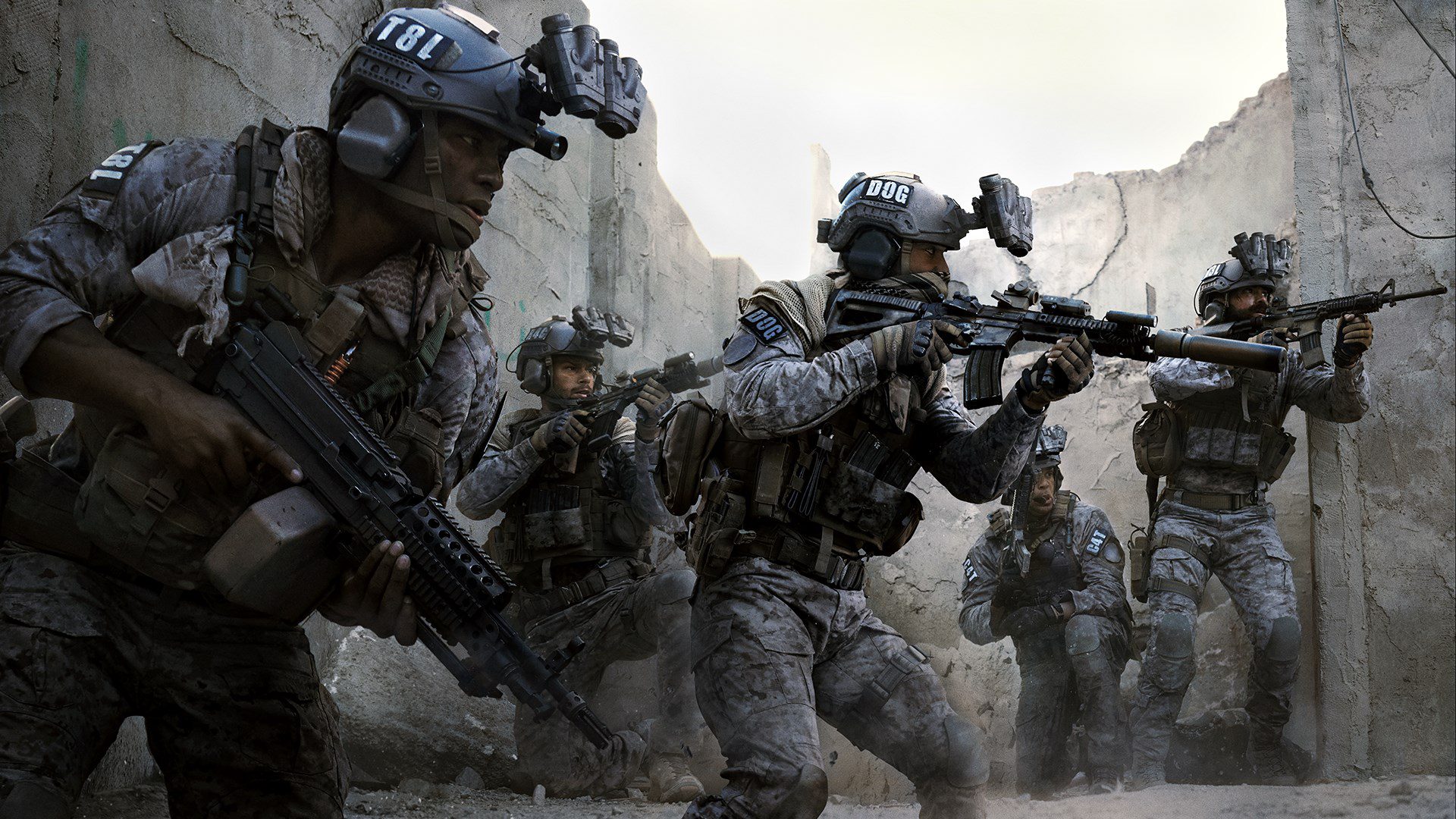
Image from Call of Duty Campaign story line:

Thursday, 21 November 2019

Week 9 Progress


Week 9 Progress

1. Looking Back

I feel like I have made good progress throughout the semester for this module. I like the layout of this module where we submit different tasks that are distributed evenly every week. In terms of my weekly routine, maybe this area could use some improving. I have a bad habit of leaving things until the day that they are due so maybe in the future I could try to do things before they need to be submitted for assignments. 

2. Looking Forward

One change that I want to make coming into the next semester is to start an assignment as soon as I receive it. It is hard to take on the high workload this year but I am going to try and increase my work rate every day so that I do not feel pressured by assignments and deadlines. Another thing that I want to change moving in to the future is the amount of time I spend on assignments outside of college. Each day I am trying to do more and more work and hopefully I can make this a habit. The further we get in to this course, the more work is expected of us so I think that this is a very important aspect of being a student; each day doing work at home to make sure that you stay on top of everything. 

3. Image

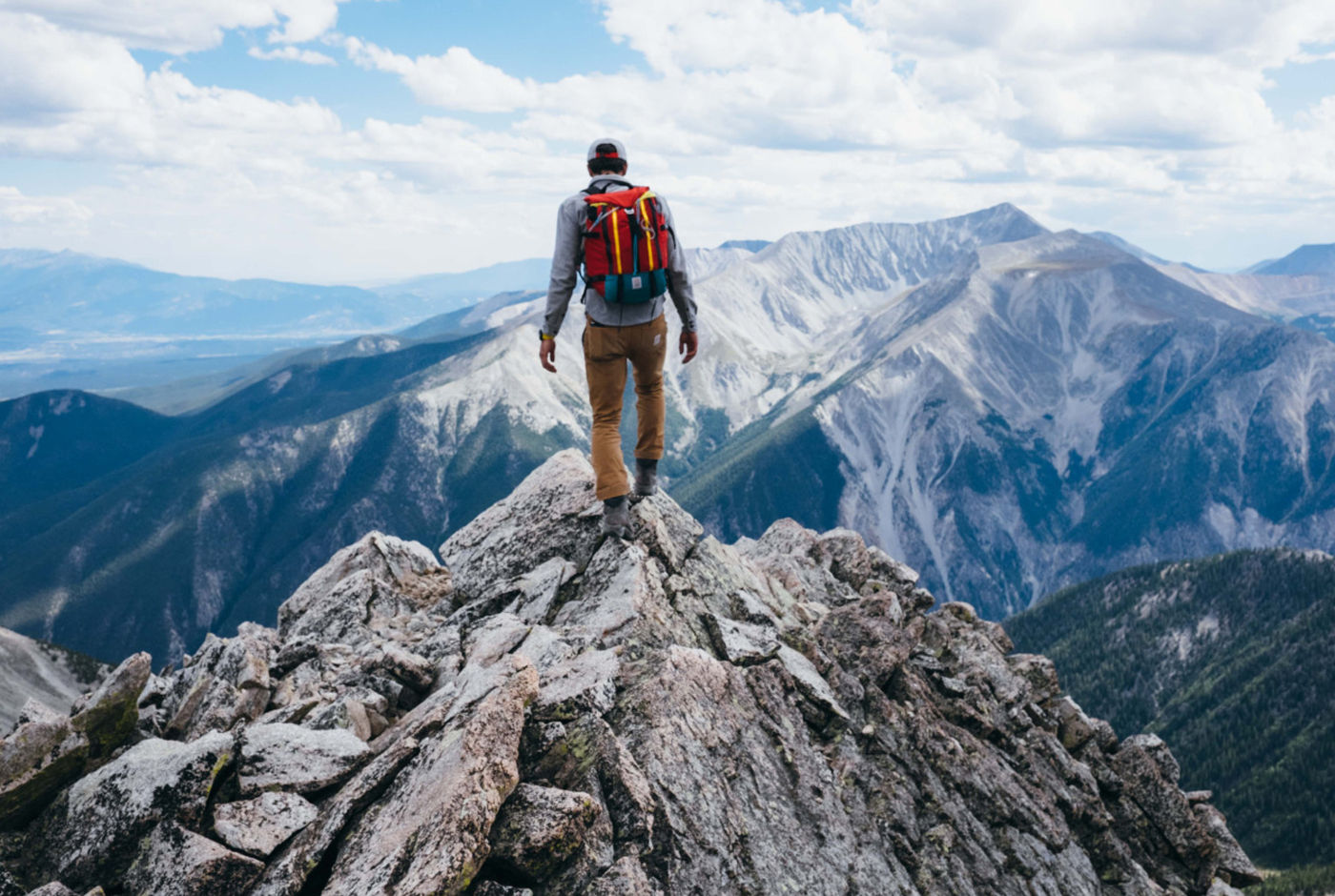
I chose this image as my motivation because this is truly my dream situation. The reason that I chose media as my career was so that I could get closer to nature and experience amazing views like this. This photograph definitely motivates me because this the situation that I aspire to be in. 
Image info: Photograph of man on top of mountain:

Wednesday, 20 November 2019

Review Week Comments and Feedback


Review Week Comments and Feedback

1.Feedback In

I found the feedback from my classmates very beneficial. Especially with the project tasks it was very beneficial to be able to hear peoples thoughts and opinions on the ideas that I had. It was great being able to read the comments on your blog to find out what people thought was good and what people thought was bad or needed improvement. 
Also, because we were also given thoughts about how to give good feedback, the comments were very extensive and educational. The people who left comments were asking questions, giving ideas, giving their opinion on ideas and much more so it was very beneficial to have all of this feedback at hand. 
The most useful comments were people reassuring you that you game ideas were good ones. A few things that I got good feedback on, I implemented into my game. 

2.Feedback Out

I kind of struggled with giving feedback to other students. Especially when there was a minimum word count on the comments that we were leaving I felt like I would go back after a few sentences. It is very hard to voice your opinion in the right words while also being a good help to whoever's post you are commenting on.
What I felt I was good at was giving feedback on people's games. I am a big gamer and I have been playing games on console for years so I felt that I was well educated in the world of gaming. My preferred game type was definitely shooters so when someone was taking a unique spin on this genre I felt that I was well equipped to give them my opinion and also to pose questions to them on things that they may not have thought of. 
What I felt was very beneficial were the task to read and write about different feedback strategies. It is very important to give good feedback because it can cause offence but also it is important because these are people's projects and blogs so it is your job to help them make it better. 

3.Blog Comments

In my opinion, making blogs and commenting on other people's blogs is a great way to know your classmates. Before I started this module, of course I knew my classmates but I did not know them to the extent that I do now. 
I am happy with my blog and my introduction post. For my introduction post I am happy with it because it is a good representation of who I am and what my interests are. In terms of my other posts, I feel like my blog is a good representation of who I am and it is a good place to get to know me. 

4.Looking Forward 

One thing that I would change going into the future is to leave better feedback on people's blog posts. I am grateful for how people's feedback has helped me so I want to return the favor to the people of my class. 

Image Information:
Photograph from Dolly mount Beach that I took

Tuesday, 19 November 2019

Week 9 Reading and Writing


Reading and Writing

1. Looking back

In my opinion, the reading exercises every week are very beneficial. The reason that I think that the reading exercises are beneficial are because they motivate us to read the blogs and articles written by professional game developers and experts in the industry(Something that we should be doing ourselves if we want to be successful). The reading notes are also helping with my game. In particular, the readings about how games are entertaining and what we find 'fun' about games. Reading these games gave me inspiration for my own game. 
I also learned new research strategies. Researching a topic is a very important and relevant skill. When doing the readings, researching skills were important because we would be required to find articles and blogs written about a certain subject, analyse the text and then summaries the information. 
I am happy with how my game project is going at the moment. I feel like I didn't start developing my game soon enough and this came back to bite me because now I am feeling a bit stuck for time to get my game finished. I hope that I can get everything that I want to get done finished in time. 

2. Image

The reason that I chose this image is because it is a screenshot from the development of my game project. I like this image because it shows my game after I designed the map. I am really proud that I am creating my own game so it is a very proud moment for me when I see this landscape that I have created. 
I never thought that I would be able to comfortably create a level in game like this within the space of time that I did. I hope I can continue creating games that I can be proud of like this one. 

3. Looking Forward

One thing that I would do if I were to start this year again would be to leave myself more time to do the readings and other tasks each week. It is very easy to leave things until the last hour so moving forward I am going to make a big effort to stop leaving assignments until the last hour on the day that it is due. 
Another thing that I would've done if I were to start this year again would be to start my game sooner. This has caused me a bit of stress so maybe if I got a start sooner I wouldn't have fallen behind. 

Sunday, 17 November 2019

First Playable


First Playable

I am relieved to finally have a version of my game that is somewhat playable. At this point, I have the fps controller and terrain of my level completed. I have created the majority of what I want to do with the terrain. I have created the landscape, the trees, the grass, the fog and the rocks. One more thing that I want to do is to create the boundaries of the level. I hope to do this by creating a denser border of trees that will act as a boundary and a guide towards the end of the game. I also plan to add a mountain into the map. 

My next step is to create the HUD and to create the AI characters. Then, after that I have to add in the weapons and inventory. This is the most daunting task for me. I am a bit worried that I will not be able to integrate everything that I plan to have in the game. I hope that I not falling behind. 

I am also a bit worried that I will not be able to create the opening and closing scenes of the game. I am completely new to the Unity engine so I do not have a clue how I would go about doing this. I will definitely need to watch a few tutorials.

Whats working well for me at the moment is that I have the basics started and I know what I need to do next. What I am struggling with is time management. I really hope I can get all this done in time while I juggle all of my other assignments. I am enjoying this module so I am going to push through. 

Image Info:
Screenshot of my game in Unity engine

Thursday, 14 November 2019

Unity Free Tutorial


Unity Free Tutorial


The name of the tutorial I watched was "Creating a Survival Game in Unity 2018 | Part 1 - Health, Thirst, & Hunger". I thought that this tutorial would be relevant to me because I am creating a survival game that contains all of the factors covered in this tutorial: thirst, hunger and health. I am glad I watched this tutorial because there is a lot of C# coding that needs to be done so at least I have somewhere to go to help me do this. 

Another reason why I am glad that I watched this YouTube tutorial because it is a part of a unity tutorial series. In the other tutorials it covers items and inventory and also covers animal U.I. I am so glad I found this series because it perfectly suits the game that I want to make.

In the C# code, the tutorial basically runs through how to set up the health system and how taking damage can cause the player to die. Then, it runs through how to set up hunger and thirst. Both of these levels slowly degenerate over time and have to be replenished. One thing that I am still unsure about is hos to integrate these into the HUD system. 

Image Info: 
Screenshot of YouTube tutorial: https://www.youtube.com/watch?v=JhkoYxuZ2UI(link to tutorial)

Unity Tutorial 06